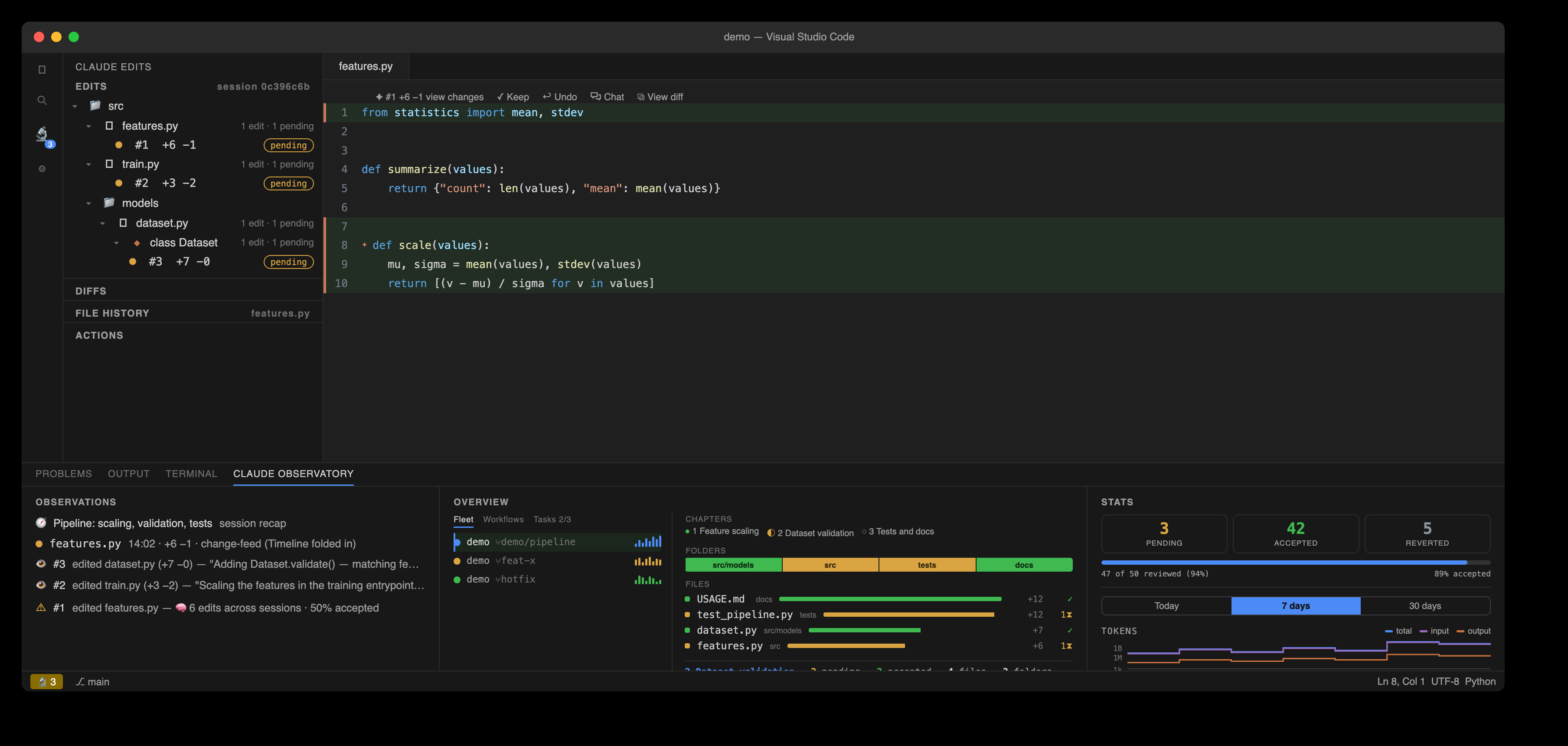
Every agent and its changes in one panel
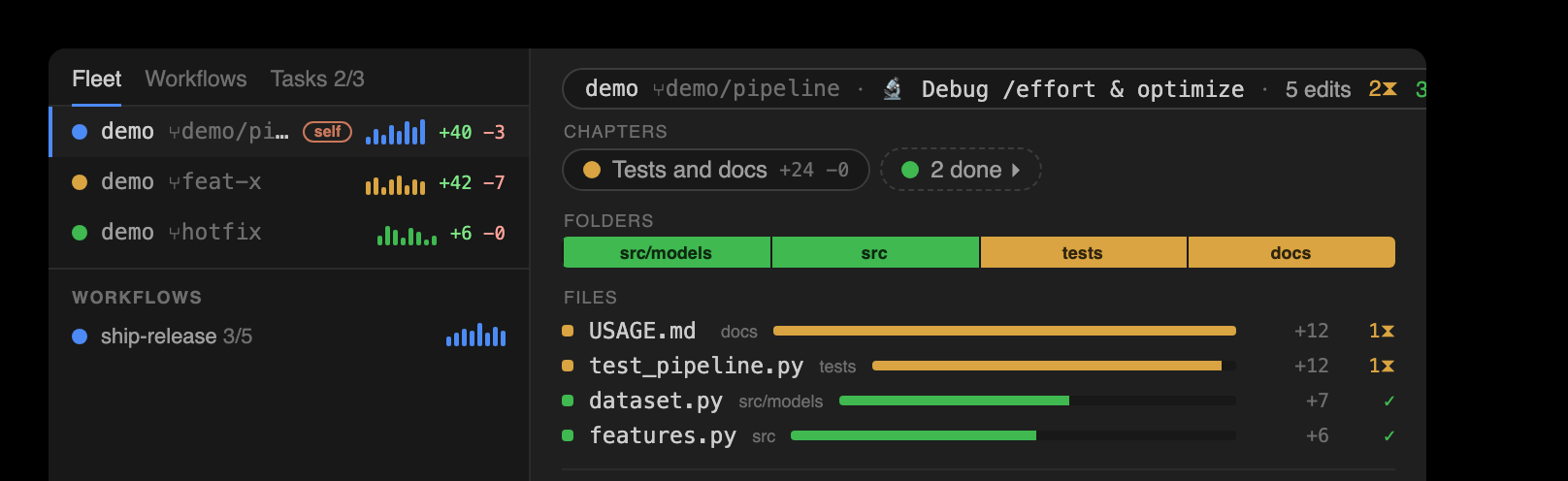
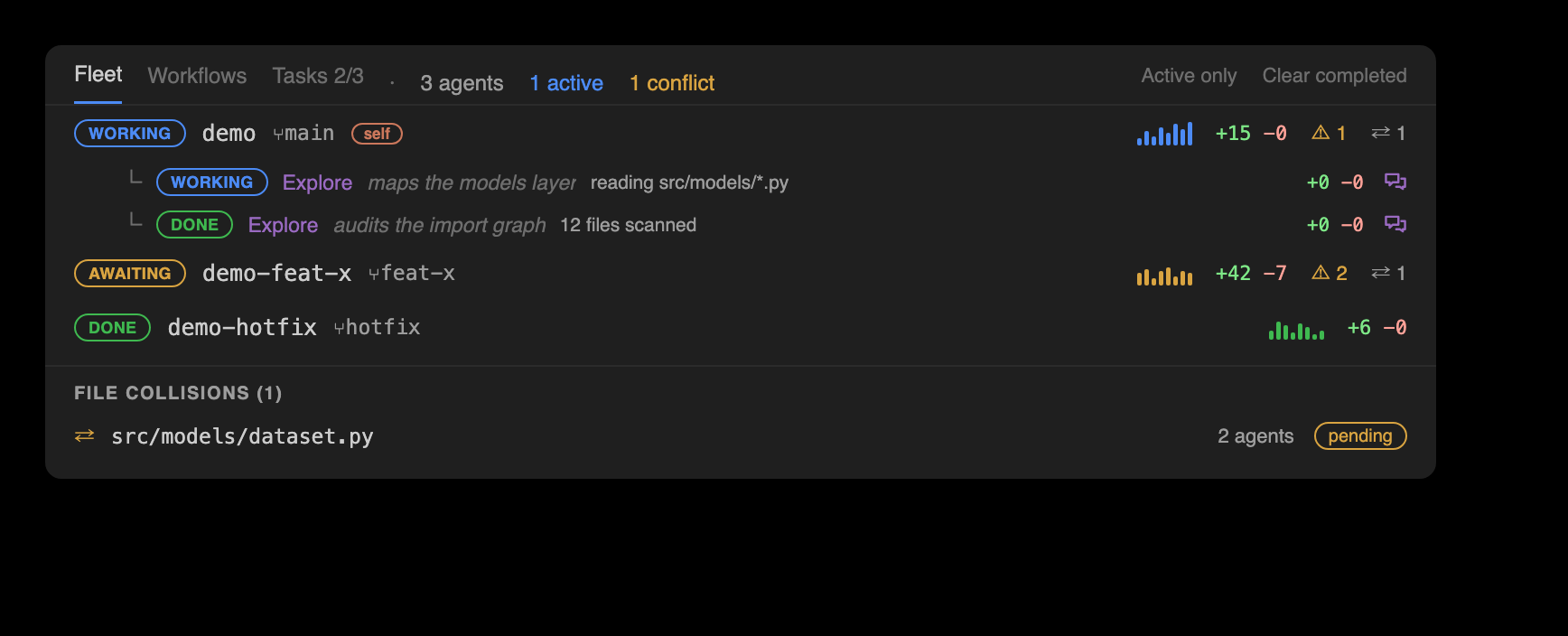
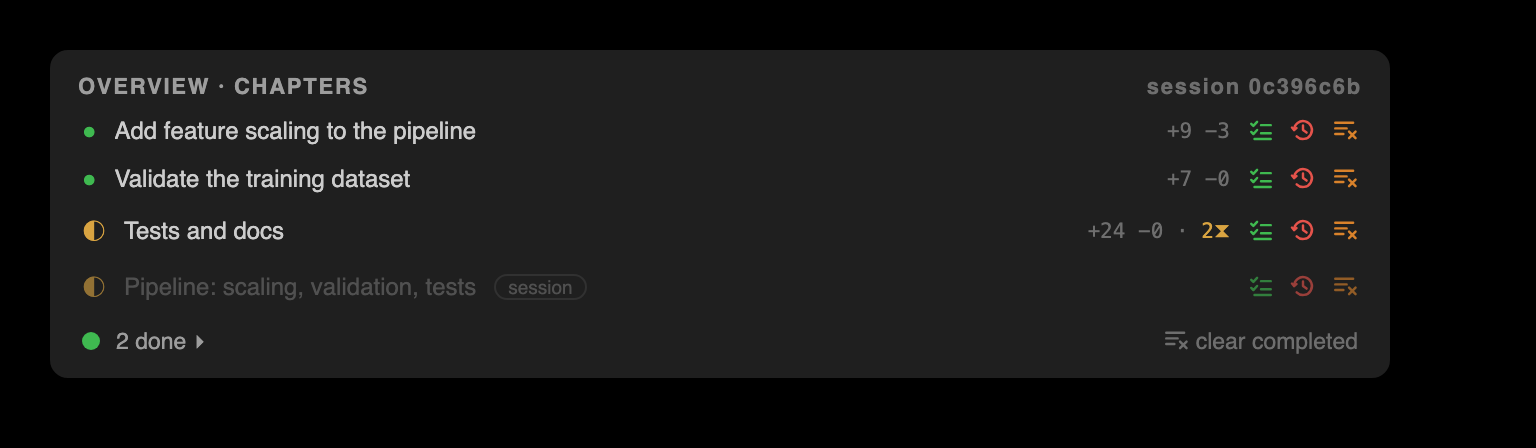
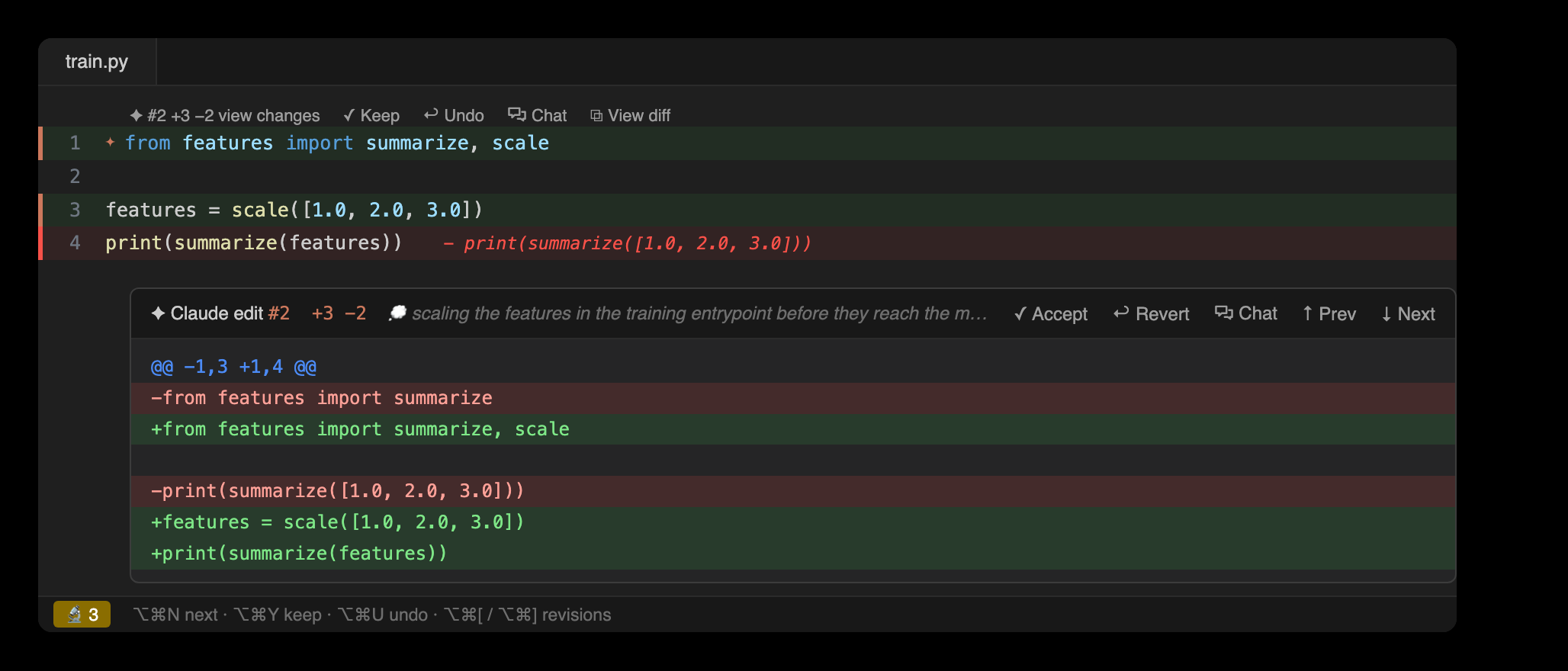
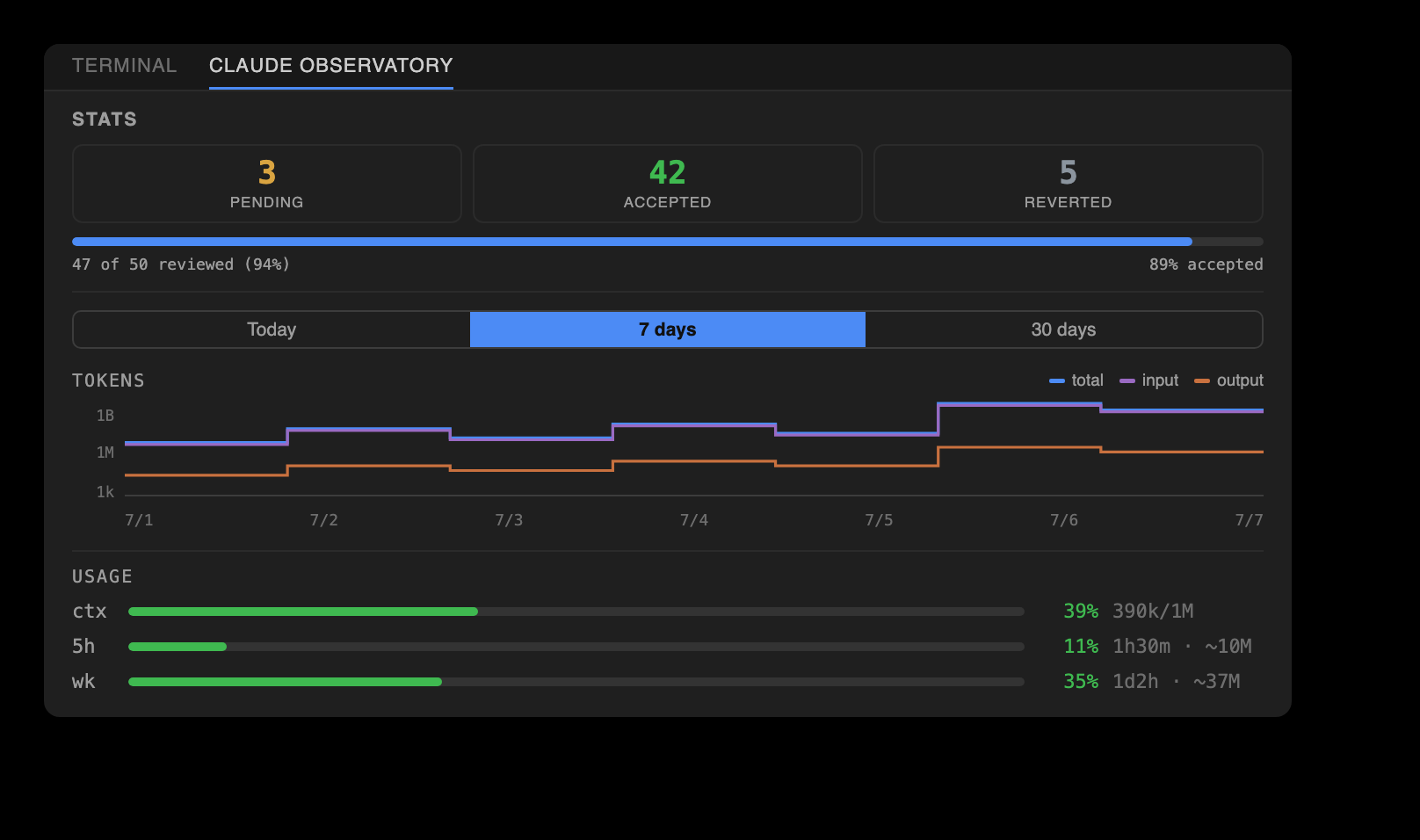
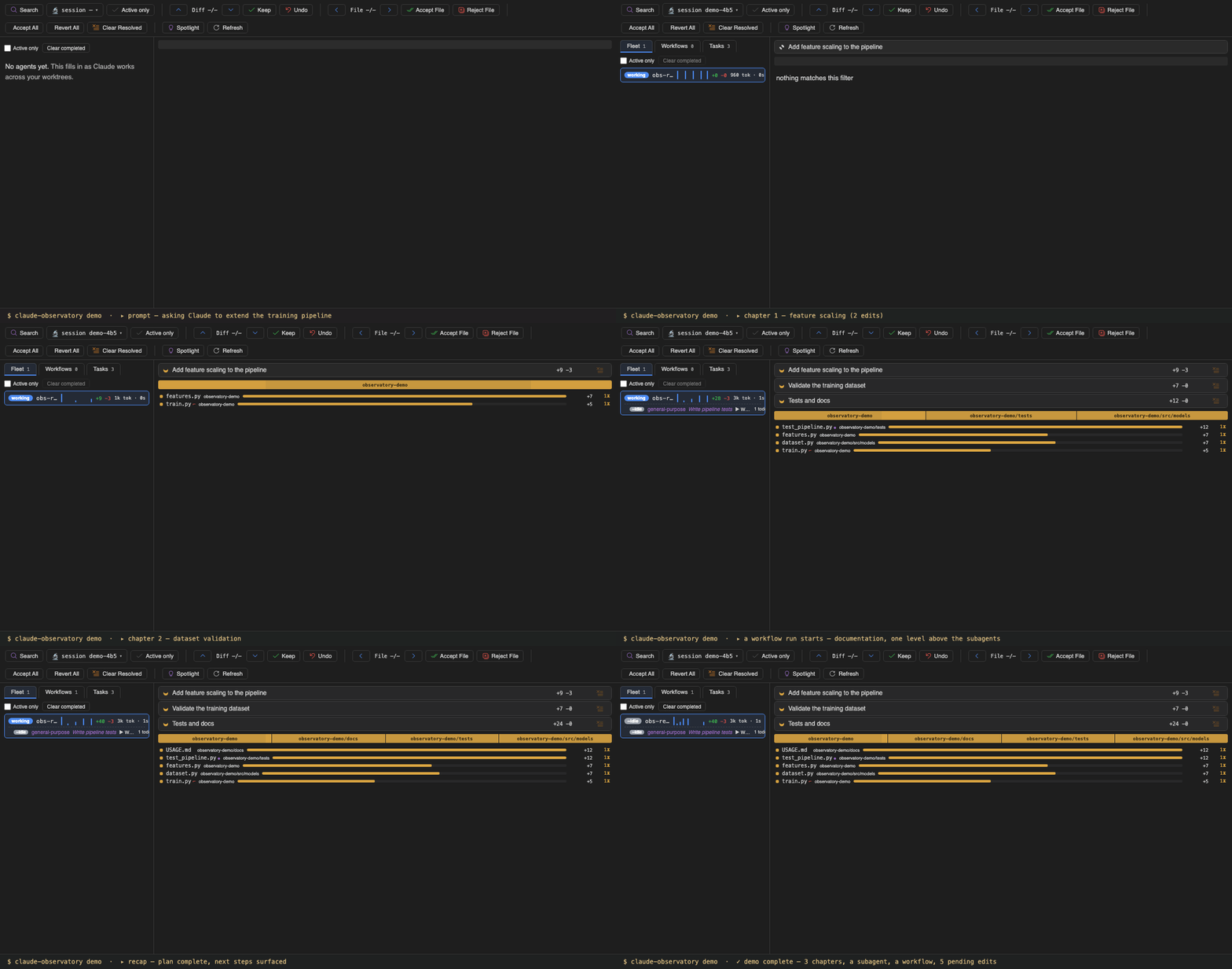
A master-detail panel. The left nav lists every running agent across the repo's worktrees under the Fleet tab, plus every multi-agent Workflows run and a Tasks pane; each pane opens with a one-line description of what it holds, and its tabs and change-map sections carry hover descriptions. Fleet and Workflows rows each show a live phase and an activity sparkline; an interrupted run that never completed is not shown as running. Selecting one fills the right side with its change map, three labeled sections top to bottom: Chapters, a ribbon of subtask chips taken from Claude's own to-dos, each chip showing its lines, edits, and pending count; Folders, a proportional strip of tiles, one per changed directory, each tile's width set by the lines it changed and its color by review status; and Files, a churn-ranked ledger of every changed file. Clicking a Folder tile or a Chapter chip steps the matching nav-bar axis to that folder's or chapter's first pending edit; clicking a file opens its diff. A summary bar along the bottom reports the pending, accepted, and reverted edit counts with the file and folder totals for whatever is in scope, and names the current chapter or folder filter.